JupyterLite demo deployed to GitHub Pages 🚀

Related tags

Deep Learningdemo
Overview

JupyterLite Demo

lite-badge

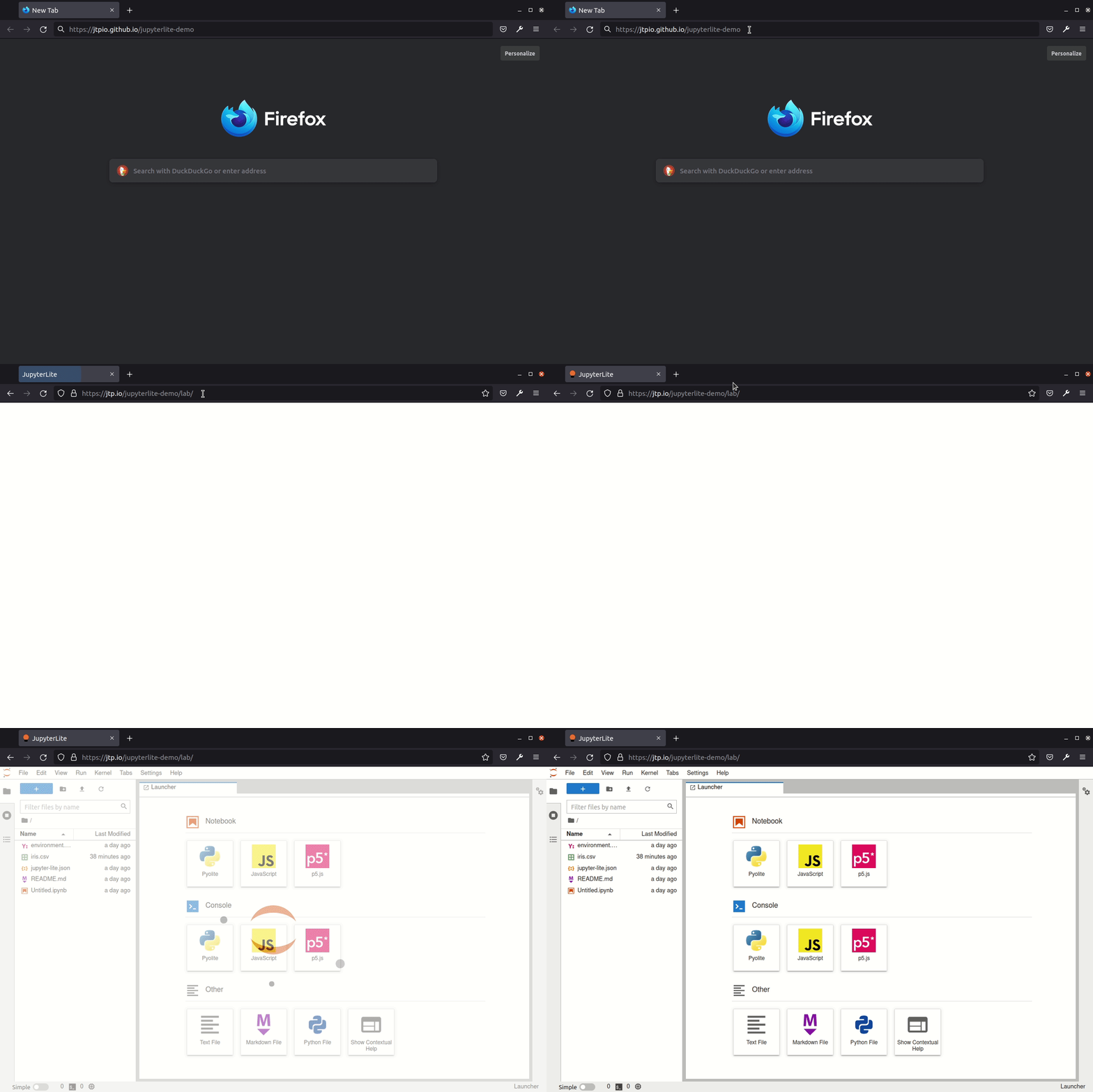
JupyterLite deployed as a static site to GitHub Pages, for demo purposes.

Try it in your browser

➡️ https://jupyterlite.github.io/demo

github-pages

Requirements

JupyterLite is being tested against modern web browsers:

  • Firefox 90+
  • Chromium 89+

Usage

This repository provides a demonstration of how to:

  • build a JupyterLite release using prebuilt JupyterLite assets that bundles a collection of pre-existing Jupyter notebooks as part of the distribution;
  • deploy the release to GitHub Pages.

The process is automated using Github Actions.

You can use this repository in two main ways:

  • generate a new repository from this template repository and build and deploy your own site to the corresponding Github Pages site;
  • build a release from a PR made to this repository and download the release from the created GitHub Actions artifact.

Using Your Own Repository to Build a Release and Deploy it to Github Pages

Requires Github account.

Click on "Use this template" to generate a repository of your own from this template:

template

From the Actions tab on your repository, ensure that workflows are enabled. When you make a commit to the main branch, a Github Action will run to build your JupoyterLite release and deploy it to the repository's Github Pages site. By default, the Github Pages site will be found at YOUR_GITHUB_USERNAME.github.io/YOUR_REPOSITORY-NAME. You can also check the URL from the Repository Settings tab Pages menu item.

If the deployment failed, go to "Settings - Actions - General", in the "Workflow permissions" section, check "Read and write permissions". Update files such as readme, and commit so that GitHub rebuids and re-deploys the project. Go to "Settings - Pages", choose "gh-pages" as the source.

Add any additional requirements as required to the requirements.txt file.

You can do this via the Github website by selecting the requirements.txt file, clicking to edit it, making the required changes then saving ("committing") the result to the main branch of your repository.

Modify the contents of the contents folder to include the notebooks you want to distribute as part of your distribution.

You can do this by clicking on the contents directory and dragging notebooks from your desktop onto the contents listing. Wait for the files to be uploaded and then save them ("commit" them) to the main branch of the repository.

Check that you have Github Pages enabled for your repository: from your repository Settings tab, select the Pages menu item and ensure that the source is set to gh-pages.

When you commit a file, an updated release will be built and published on the Github Pages site. Note that it may take a few minutes for the Github Pages site to be updated. Do a hard refresh on your Github Pages site in your web browser to see the new release.

Further Information and Updates

For more info, keep an eye on the JupyterLite documentation:

Deploy a new version of JupyterLite

To change the version of the prebuilt JupyterLite assets, update the jupyterlite package version in the requirements.txt file.

The requirements.txt file can also be used to add extra prebuilt ("federated") JupyterLab extensions to the deployed JupyterLite website.

Commit and push any changes. The site will be deployed on the next push to the main branch.

Development

Create a new environment:

mamba create -n jupyterlite-demo
conda activate jupyterlite-demo
pip install -r requirements.txt

Then follow the steps documented in the Configuring section.

Owner
JupyterLite
Wasm powered Jupyter running in the browser 💡
JupyterLite
Single-step adversarial training (AT) has received wide attention as it proved to be both efficient and robust.

Subspace Adversarial Training Single-step adversarial training (AT) has received wide attention as it proved to be both efficient and robust. However,

15 Sep 02, 2022
Stacked Recurrent Hourglass Network for Stereo Matching

SRH-Net: Stacked Recurrent Hourglass Introduction This repository is supplementary material of our RA-L submission, which helps reviewers to understan

28 Jan 03, 2023
SpeechNAS Better Trade off between Latency and Accuracy for Large Scale Speaker Verification

SpeechNAS Better Trade off between Latency and Accuracy for Large Scale Speaker Verification

Wentao Zhu 24 May 20, 2022
Official PyTorch implementation of the ICRA 2021 paper: Adversarial Differentiable Data Augmentation for Autonomous Systems.

Adversarial Differentiable Data Augmentation This repository provides the official PyTorch implementation of the ICRA 2021 paper: Adversarial Differen

Manli 3 Oct 15, 2022
Python implementation of the multistate Bennett acceptance ratio (MBAR)

pymbar Python implementation of the multistate Bennett acceptance ratio (MBAR) method for estimating expectations and free energy differences from equ

Chodera lab // Memorial Sloan Kettering Cancer Center 169 Dec 02, 2022
Adaptive Denoising Training (ADT) for Recommendation.

DenoisingRec Adaptive Denoising Training for Recommendation. This is the pytorch implementation of our paper at WSDM 2021: Denoising Implicit Feedback

Wenjie Wang 51 Dec 30, 2022
Source code for the ACL-IJCNLP 2021 paper entitled "T-DNA: Taming Pre-trained Language Models with N-gram Representations for Low-Resource Domain Adaptation" by Shizhe Diao et al.

T-DNA Source code for the ACL-IJCNLP 2021 paper entitled Taming Pre-trained Language Models with N-gram Representations for Low-Resource Domain Adapta

shizhediao 17 Dec 22, 2022
Depth image based mouse cursor visual haptic

Depth image based mouse cursor visual haptic How to run it. Install pyqt5. Install python modules pip install Pillow pip install numpy For illustrati

Xiong Jie 17 Dec 20, 2022
KIND: an Italian Multi-Domain Dataset for Named Entity Recognition

KIND (Kessler Italian Named-entities Dataset) KIND is an Italian dataset for Named-Entity Recognition. It contains more than one million tokens with t

Digital Humanities 5 Jun 21, 2022
A whale detector design for the Kaggle whale-detector challenge!

CNN (InceptionV1) + STFT based Whale Detection Algorithm So, this repository is my PyTorch solution for the Kaggle whale-detection challenge. The obje

Tarin Ziyaee 92 Sep 28, 2021
[CVPR2021 Oral] End-to-End Video Instance Segmentation with Transformers

VisTR: End-to-End Video Instance Segmentation with Transformers This is the official implementation of the VisTR paper: Installation We provide instru

Yuqing Wang 687 Jan 07, 2023
Code from the paper "High-Performance Brain-to-Text Communication via Handwriting"

High-Performance Brain-to-Text Communication via Handwriting Overview This repo is associated with this manuscript, preprint and dataset. The code can

Francis R. Willett 306 Jan 03, 2023
Civsim is a basic civilisation simulation and modelling system built in Python 3.8.

Civsim Introduction Civsim is a basic civilisation simulation and modelling system built in Python 3.8. It requires the following packages: perlin_noi

17 Aug 08, 2022
Code for the paper “The Peril of Popular Deep Learning Uncertainty Estimation Methods”

Uncertainty Estimation Methods Code for the paper “The Peril of Popular Deep Learning Uncertainty Estimation Methods” Reference If you use this code,

EPFL Machine Learning and Optimization Laboratory 4 Apr 05, 2022
G-NIA model from "Single Node Injection Attack against Graph Neural Networks" (CIKM 2021)

Single Node Injection Attack against Graph Neural Networks This repository is our Pytorch implementation of our paper: Single Node Injection Attack ag

Shuchang Tao 18 Nov 21, 2022
Graph parsing approach to structured sentiment analysis.

Fine-grained Sentiment Analysis as Dependency Graph Parsing This repository contains the code and datasets described in following paper: Fine-grained

Jeremy Barnes 36 Dec 12, 2022
Pytorch implementation of FlowNet by Dosovitskiy et al.

FlowNetPytorch Pytorch implementation of FlowNet by Dosovitskiy et al. This repository is a torch implementation of FlowNet, by Alexey Dosovitskiy et

Clément Pinard 762 Jan 02, 2023
Unofficial PyTorch code for BasicVSR

Dependencies and Installation The code is based on BasicSR, Please install the BasicSR framework first. Pytorch=1.51 Training cd ./code CUDA_VISIBLE_

Long 59 Dec 06, 2022
Unofficial reimplementation of ECAPA-TDNN for speaker recognition (EER=0.86 for Vox1_O when train only in Vox2)

Introduction This repository contains my unofficial reimplementation of the standard ECAPA-TDNN, which is the speaker recognition in VoxCeleb2 dataset

Tao Ruijie 277 Dec 31, 2022