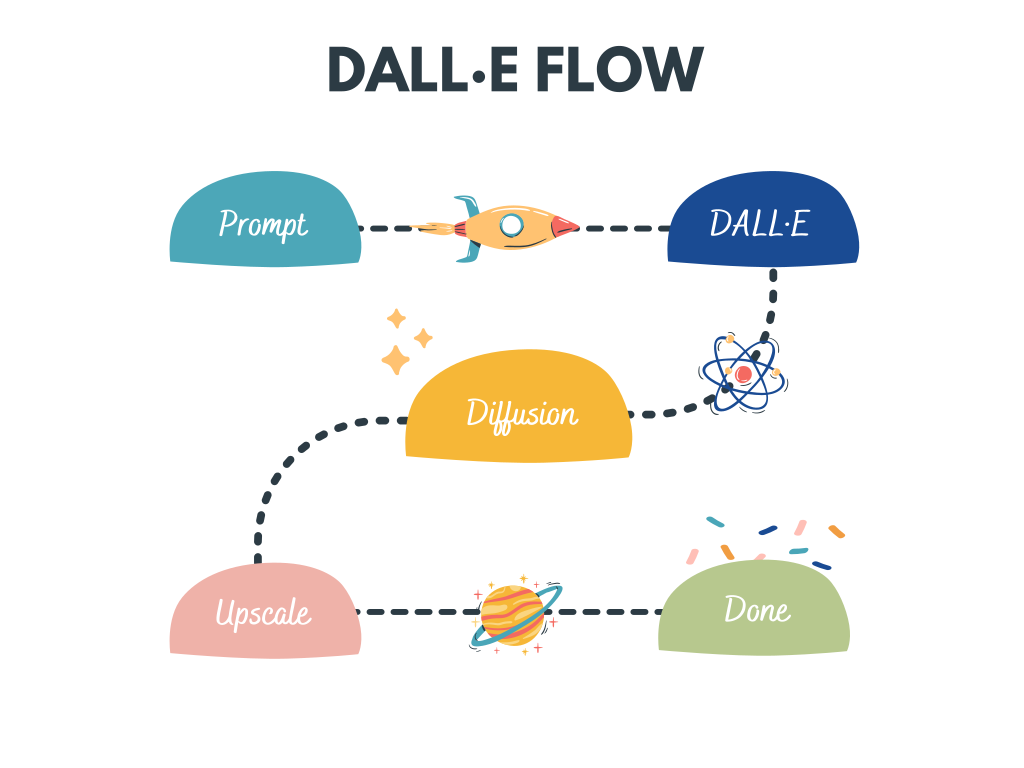
A Human-in-the-Loop? workflow for creating HD images from text


DALL·E Flow is an interactive workflow for generating high-definition images from text prompt. First, it leverages DALL·E-Mega to generate image candidates, and then calls CLIP-as-service to rank the candidates w.r.t. the prompt. The preferred candidate is fed to GLID-3 XL for diffusion, which often enriches the texture and background. Finally, the candidate is upscaled to 1024x1024 via SwinIR.
DALL·E Flow is built with Jina in a client-server architecture, which gives it high scalability, non-blocking streaming, and a modern Pythonic interface. Client can interact with the server via gRPC/Websocket/HTTP with TLS.
Why Human-in-the-Loop? Generative art is a creative process. While recent advances of DALL·E unleash people's creativity, having a single-prompt-single-output UX/UI locks the imagination to a single possibility, which is bad no matter how fine this single result is. DALL·E Flow is an alternative to the one-liner, by formalizing the generative art as an iterative procedure.
Gallery
Image filename is the corresponding text prompt.


Client
Using client is super easy. The following steps are best run in Jupyter notebook or Google Colab.
You will need to install DocArray and Jina first:
pip install "docarray[common]>=0.13.5" jina
We have provided a demo server for you to play:
⚠️ Due to the massive requests now, the server is super busy. You can deploy your own server by following the instruction here.
server_url = 'grpc://dalle-flow.jina.ai:51005'
Step 1: Generate via DALL·E Mega
Now let's define the prompt:
prompt = 'an oil painting of a humanoid robot playing chess in the style of Matisse'
Let's submit it to the server and visualize the results:
from docarray import Document

da = Document(text=prompt).post(server_url, parameters={'num_images': 16}).matches

da.plot_image_sprites(fig_size=(10,10), show_index=True)
Here we generate 16 candidates as defined in num_images, which takes about ~2 minutes. You can use a smaller value if it is too long for you. The results are sorted by CLIP-as-service, with index-0 as the best candidate judged by CLIP.

Step 2: Select and refinement via GLID3 XL
Of course, you may think differently. Notice the number in the top-left corner? Select the one you like the most and get a better view:
fav_id = 3
fav = da[fav_id]
fav.display()
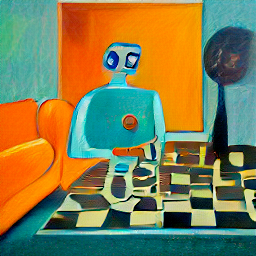
Now let's submit the selected candidates to the server for diffusion.
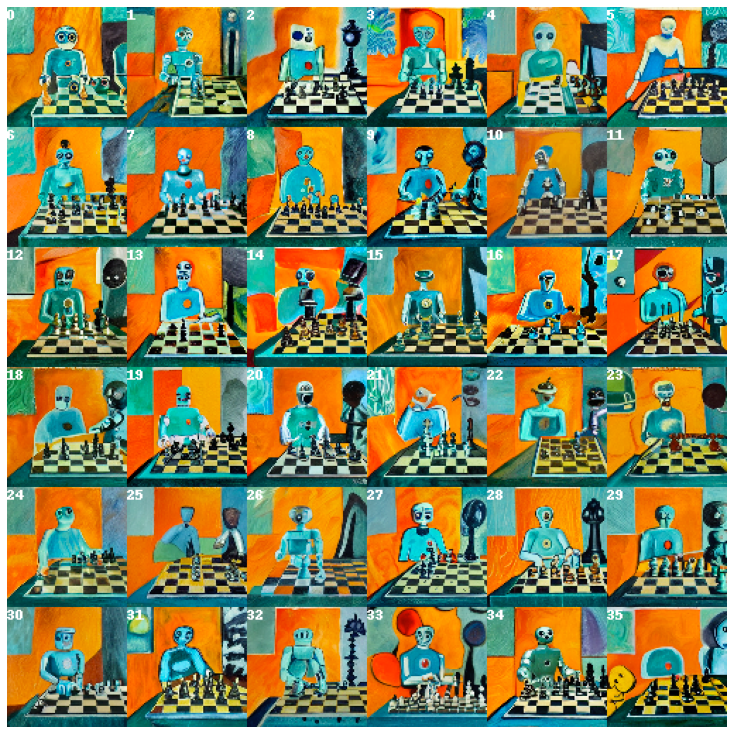
diffused = fav.post(f'{server_url}/diffuse', parameters={'skip_rate': 0.5}).matches

diffused.plot_image_sprites(fig_size=(10,10), show_index=True)
This will give 36 images based on the given image. You may allow the model to improvise more by giving skip_rate a near-zero value, or a near-one value to force its closeness to the given image. The whole procedure takes about ~2 minutes.
Step 3: Select and upscale via SwanIR
Select the image you like the most, and give it a closer look:
dfav_id = 34
fav = diffused[dfav_id]
fav.display()

Finally, submit to the server for the last step: upscaling to 1024 x 1024px.
fav = fav.post(f'{server_url}/upscale')
fav.display()
That's it! It is the one. If not satisfied, please repeat the procedure.

Btw, DocArray is a powerful and easy-to-use data structure for unstructured data. It is super productive for data scientists who work in cross-/multi-modal domain. To learn more about DocArray, please check out the docs.
Server
You can host your own server by following the instruction below.
Hardware requirements
It is highly recommended to run DALL·E Flow on a GPU machine. In fact, one GPU is probably not enough. DALL·E Mega needs one with 22GB memory. SwinIR and GLID-3 also need one; as they can be spawned on-demandly in seconds, they can share one GPU.
It requires at least 40GB free space on the hard drive, mostly for downloading pretrained models.
CPU-only environment is not tested and likely won't work. Google Colab is likely throwing OOM hence also won't work.
Install
Clone repos
mkdir dalle && cd dalle
git clone https://github.com/jina-ai/dalle-flow.git
git clone https://github.com/JingyunLiang/SwinIR.git
git clone https://github.com/CompVis/latent-diffusion.git
git clone https://github.com/Jack000/glid-3-xl.git
You should have the following folder structure:
dalle/
 |
 |-- dalle-flow/
 |-- SwinIR/
 |-- glid-3-xl/
 |-- latent-diffusion/
Install auxiliary repos
cd latent-diffusion && pip install -e . && cd -
cd glid-3-xl && pip install -e . && cd -
There are couple models we need to download first for GLID-3-XL:
wget https://dall-3.com/models/glid-3-xl/bert.pt
wget https://dall-3.com/models/glid-3-xl/kl-f8.pt
wget https://dall-3.com/models/glid-3-xl/finetune.pt
Install flow
cd dalle-flow
pip install -r requirements.txt
Start the server
Now you are under dalle-flow/, run the following command:
jina flow --uses flow.yml
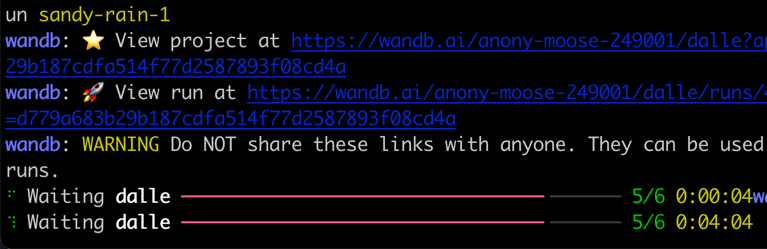
You should see this screen immediately:
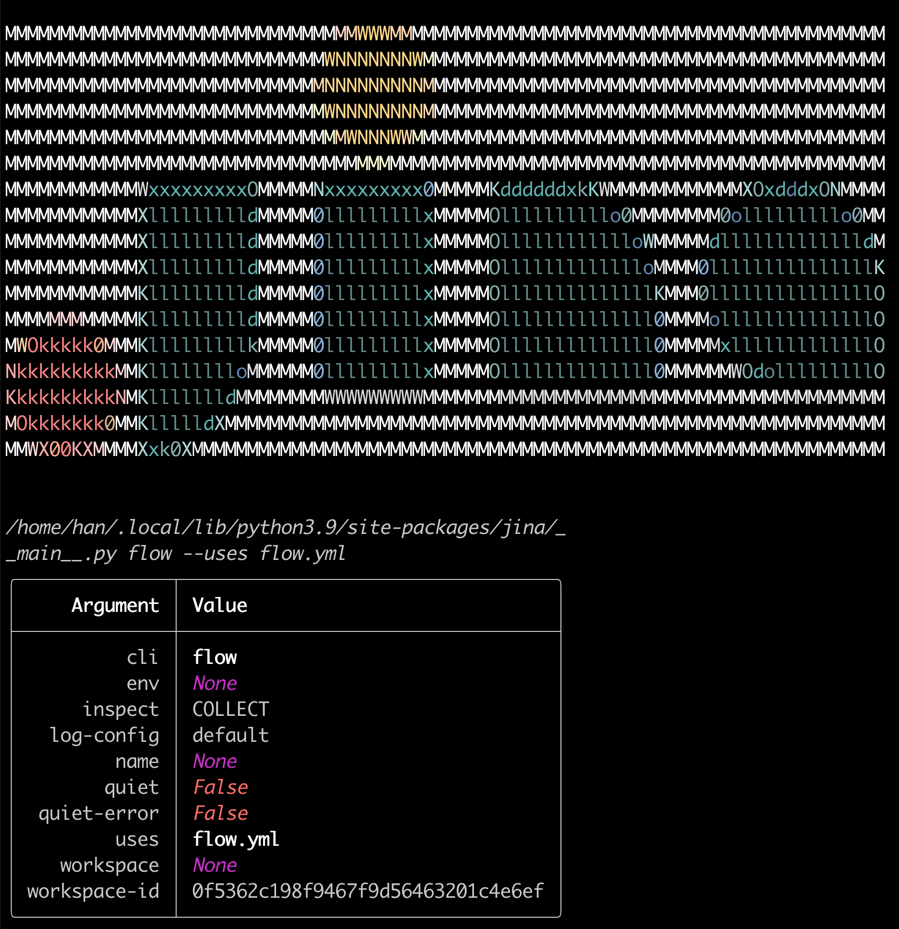
On the first start it will take ~8 minutes for downloading the DALL·E mega model and other necessary models. The proceeding runs should only take ~1 minute to reach the success message.
When everything is ready, you will see:

Congrats! Now you should be able to run the client.
You can modify and extend the server flow as you like, e.g. changing the model, adding persistence, or even auto-posting to Instagram/OpenSea. With Jina and DocArray, you can easily make DALL·E Flow cloud-native and ready for production.
Support
- To extend DALL·E Flow you will need to get familiar with Jina and DocArray.
- Join our Slack community and chat with other community members about ideas.
- Join our Engineering All Hands meet-up to discuss your use case and learn Jina's new features.
- When? The second Tuesday of every month
- Where? Zoom (see our public events calendar/.ical) and live stream on YouTube
- Subscribe to the latest video tutorials on our YouTube channel
Join Us
DALL·E Flow is backed by Jina AI and licensed under Apache-2.0. We are actively hiring AI engineers, solution engineers to build the next neural search ecosystem in open-source.

 2 Mar 24, 2022
 9 Jul 23, 2022
 955 Jan 02, 2023
 27 Dec 23, 2022
 1.3k Jan 01, 2023
 34 Dec 13, 2022
 10 Dec 17, 2022
 363 Jan 03, 2023
 19 Dec 05, 2022
 5 Nov 14, 2022
 7 May 03, 2022
 8 Dec 27, 2022
 60 Dec 16, 2022
 23 Apr 14, 2022
 6 Jul 28, 2022
 4.2k Jan 07, 2023
 1.1k Jan 02, 2023
 120 Dec 15, 2022
 3 Oct 18, 2022
 295 Jan 05, 2023